> For the complete documentation index, see [llms.txt](https://docs.verge.aero/llms.txt). Markdown versions of documentation pages are available by appending `.md` to page URLs; this page is available as [Markdown](https://docs.verge.aero/drone-show-software/quickstart/offline-mode.md).
# Offline Mode
If you don't have an internet connection, **Offline Mode** lets you launch any app you installed before going offline. Click **Offline Mode** on the login page to enter it. If you're heading to a show site without reliable internet, install the versions you need ahead of time.
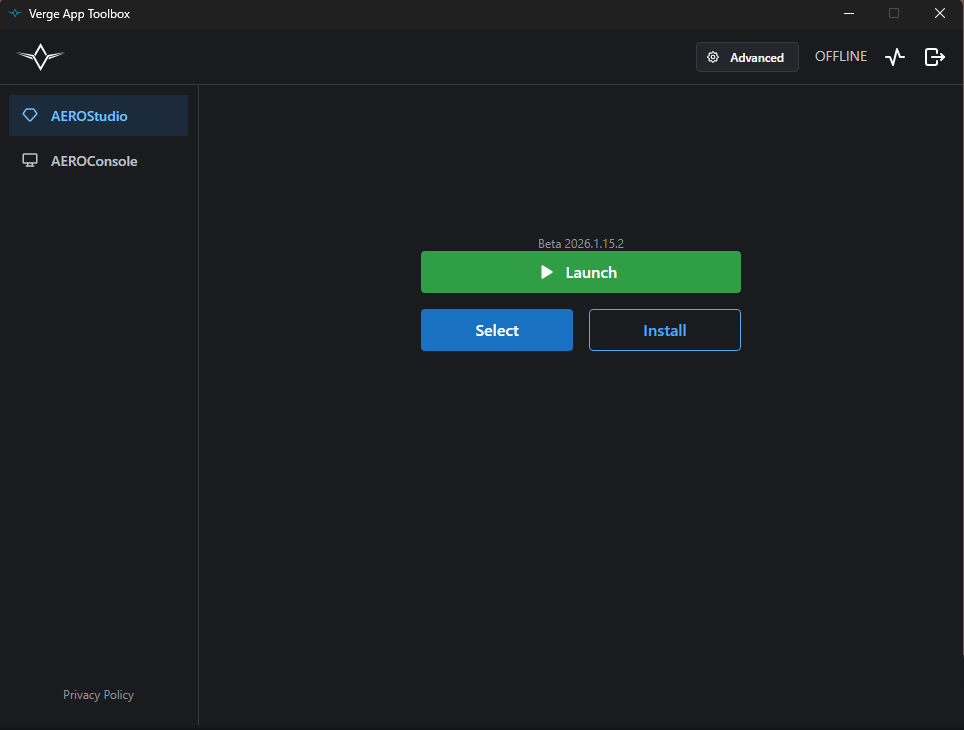
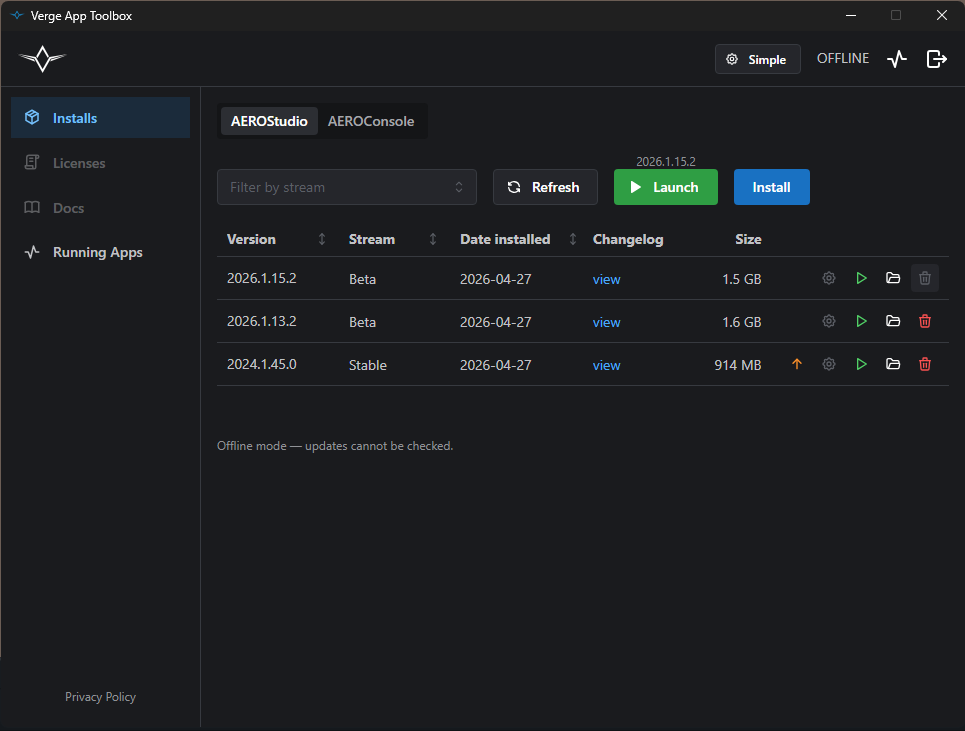
In offline mode, the header shows an **OFFLINE** label. The Licenses and Docs pages are disabled, and the toolbox skips its update check, but launching, uninstalling, and the Running Apps page all work normally.
Simple mode while offline — launch your most recently used build
Advanced mode while offline — full installs table is still available