> For the complete documentation index, see [llms.txt](https://docs.verge.aero/llms.txt). Markdown versions of documentation pages are available by appending `.md` to page URLs; this page is available as [Markdown](https://docs.verge.aero/drone-show-software/verge-design-studio/light-animation/pulse.md).
# Pulse
A smooth, repeating rise and fall in light intensity over time.
| Parameter | Type | Description |
| --------- | ------- | ------------------------------------------------------------------------------------------------------------------------------------------------------------------------------------------------------------------------------------------------------------------------------------------------------------------------------------------------------------------------------------------------------ |
| Unit Type | |
Hz - the strobe or modulation rate in cycles per second. Higher Hz values produce faster, more intense flickering, while lower values create slower, more deliberate pulses.
BPM - the strobe or modulation rate in musical beats per minute. This allows lighting effects to synchronize naturally with music or rhythmic cues, aligning pulses to the tempo of a track or performance.
|
| Unit | Decimal | amount applied to the unit type |
Inspector for pulse lighting event
Pulse lighting event
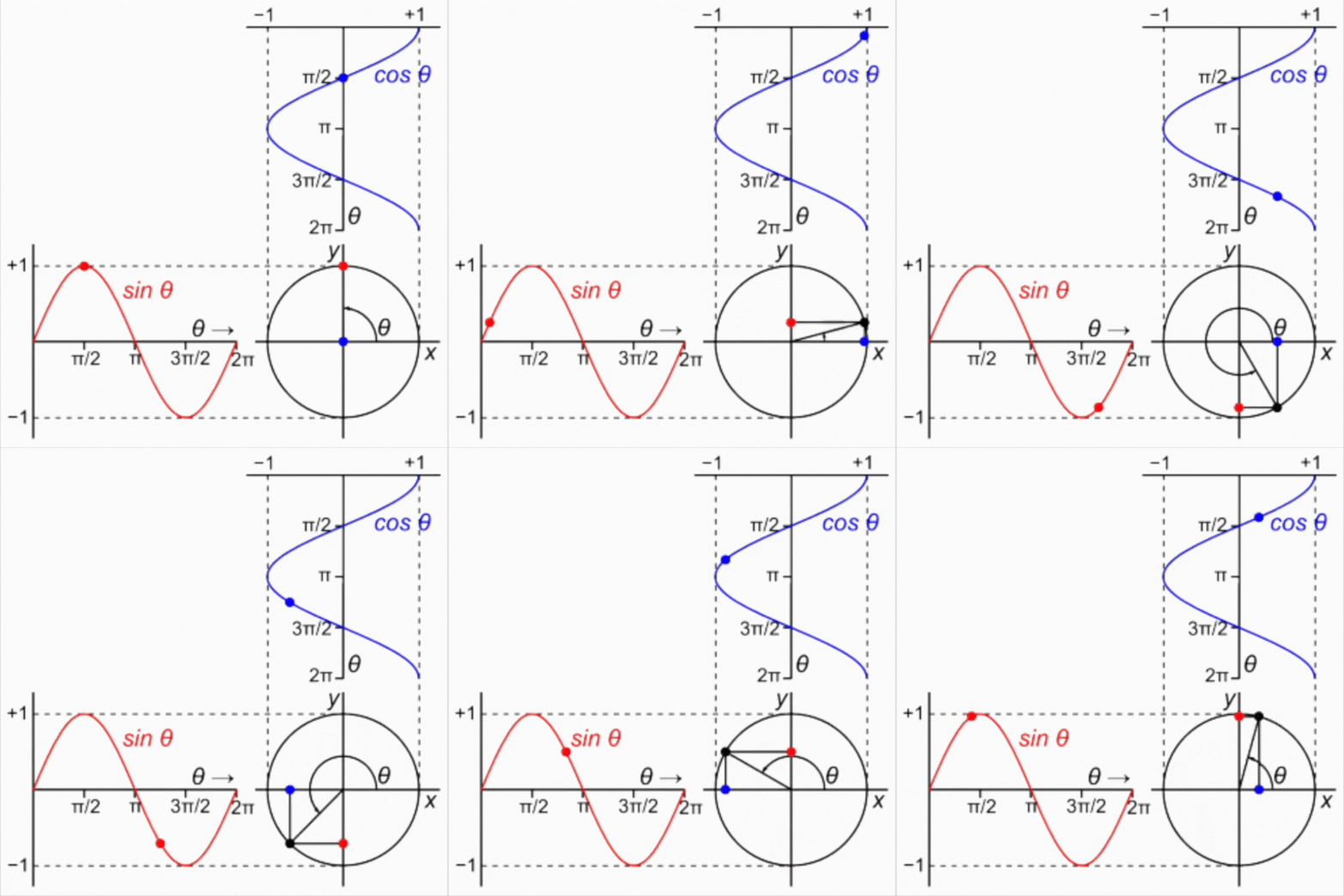
A pulse lighting event is modeled as a sine wave because a sine function produces a smooth, continuous rise and fall over time, which matches how a pulse is intended to behave visually.
In this context, light intensity is mapped to the value of a sine wave as time progresses:
* The crest of the sine wave represents peak intensity.
* The trough represents minimum intensity.
* The zero crossings define the midpoint or base intensity.
As time advances, the sine wave oscillates, causing the light to gradually brighten, reach a maximum, then smoothly dim and repeat. This avoids abrupt transitions and hard edges, producing an organic, rhythmic motion often described as a “breathing” effect.
Because sine waves are mathematically smooth and periodic, they are ideal for pulse lighting events that need consistent timing, predictable behavior, and visually pleasing transitions without flicker.